Filtered YouTube — every way to get it, honestly compared
Filtered YouTube means YouTube’s content with a filter deciding what can play. Families, schools, and communities ask for it for the same reason: the content on YouTube is often wonderful, and the site around the content — the open feed, autoplay, comments, unfiltered search — is where the trouble lives. This guide covers every real way to filter YouTube, what each one actually blocks, and where each one leaks. One of the options is ours; the comparison is honest anyway.
The two families of YouTube filtering
Every method belongs to one of two families, and knowing which family you’re in predicts how it fails:
- Blocklist filtering starts from the open site and tries to hide the bad. Restricted Mode, parental controls, filter software, and DNS filtering all work this way. When they fail — and each one misses — something bad gets through.
- Whitelist filtering starts from nothing and shows only what was approved first. When it fails, something good isn’t in yet. The failure direction is the whole point: one family fails open, the other fails closed.
Every way to get filtered YouTube
1. YouTube Restricted Mode (free, built in)
A switch inside YouTube that hides some mature content using automated signals. It leaves the feed, search, comments, and autoplay in place, misses heavily (it was never designed as a family filter), and any profile that isn’t locked can turn it off. Reasonable as a lightest-touch layer; not a plan on its own.
2. Supervised accounts and YouTube Kids (free, built in)
Google’s child-account tools narrow what a young child’s profile sees, and YouTube Kids restricts to a children’s catalog picked largely by algorithm. Unsuitable material has repeatedly been found inside YouTube Kids because no person approved each video — and none of it helps a teenager or an adult who simply wants clean viewing.
3. Filter software on the device (paid)
Filtering apps and browser extensions inspect pages and block by category. They can be strong on the open web, but on YouTube they inherit the blocklist problem: the catalog is effectively infinite and refreshed by the hour, so category engines are always chasing. Determined users also hunt for the gaps.
4. DNS filtering (free to paid)
Network-level filtering can block YouTube entirely, or force Restricted Mode across a household. It’s all-or-nothing: either YouTube is gone — along with every shiur, concert, and kids’ song on it — or you’re back to trusting Restricted Mode’s judgment.
5. A whitelist platform — the approved catalog
The inverted approach: a separate library where every video was reviewed against a written standard before it could appear, and the dangerous parts of the site around the content simply don’t exist. FilteredTube is this — built for Jewish families: 250,000+ approved videosof kosher music and concerts, kids’ videos by age, podcasts, and Torah classes from hundreds of speakers, each with their own organized world. No feeds, no comments, no autoplay rabbit holes, no ads. You search naturally — and everything that comes back is already approved.
What filtered YouTube looks like
Real screenshots of the FilteredTube player — the same filtered YouTube experience on desktop, in light mode, in the Torah library, and on a phone:
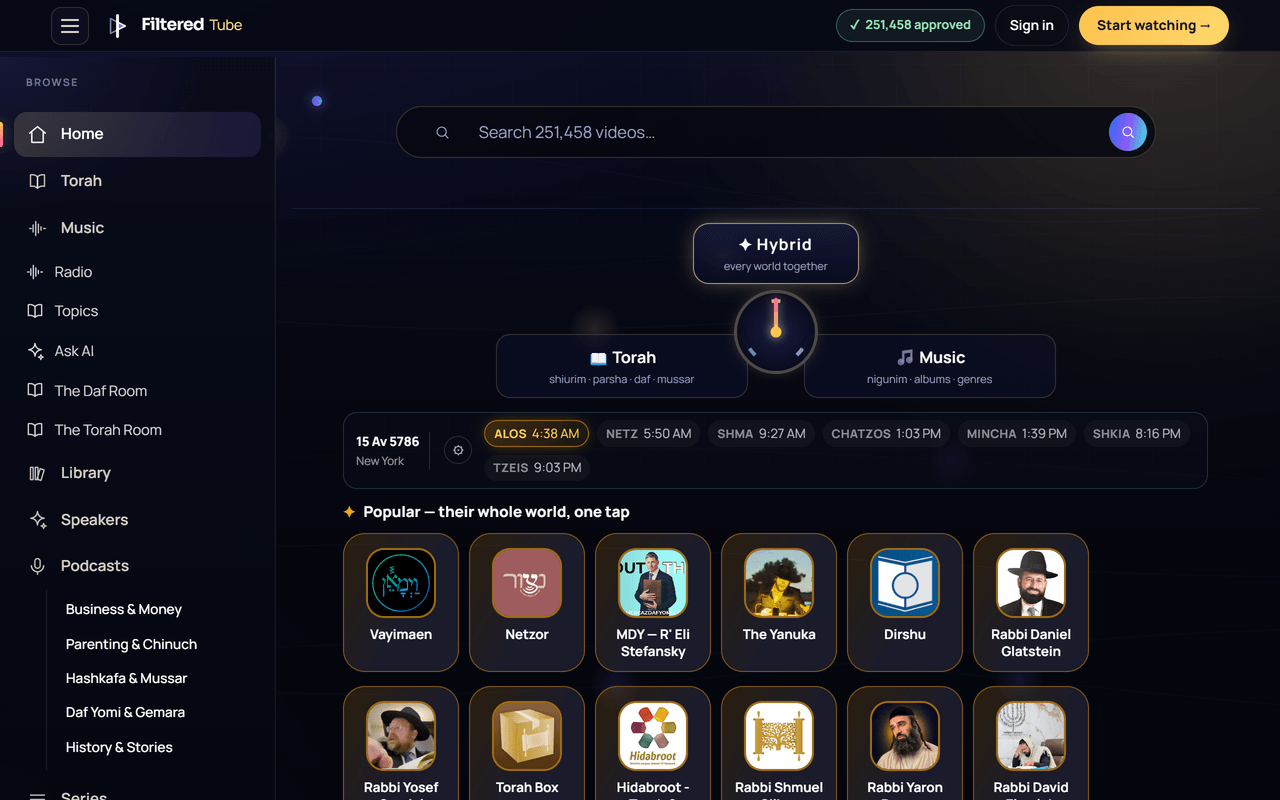
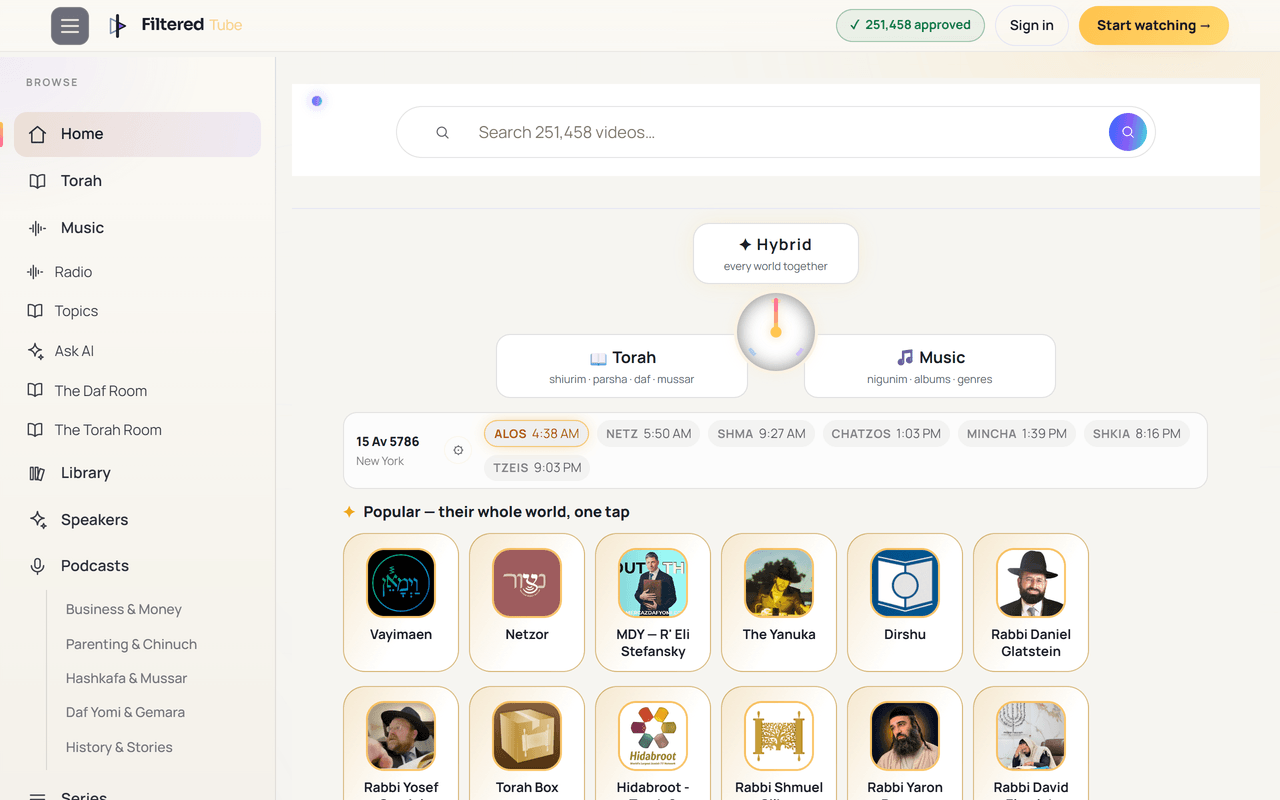
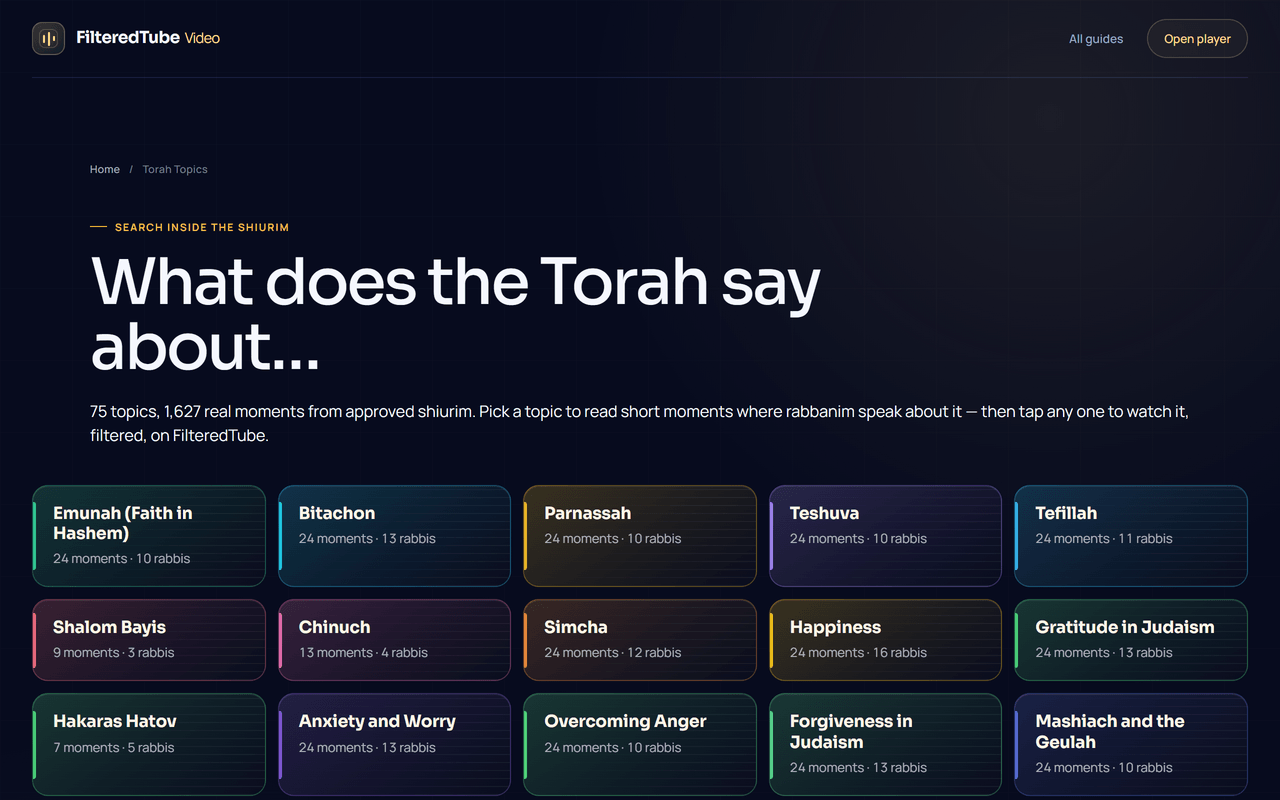
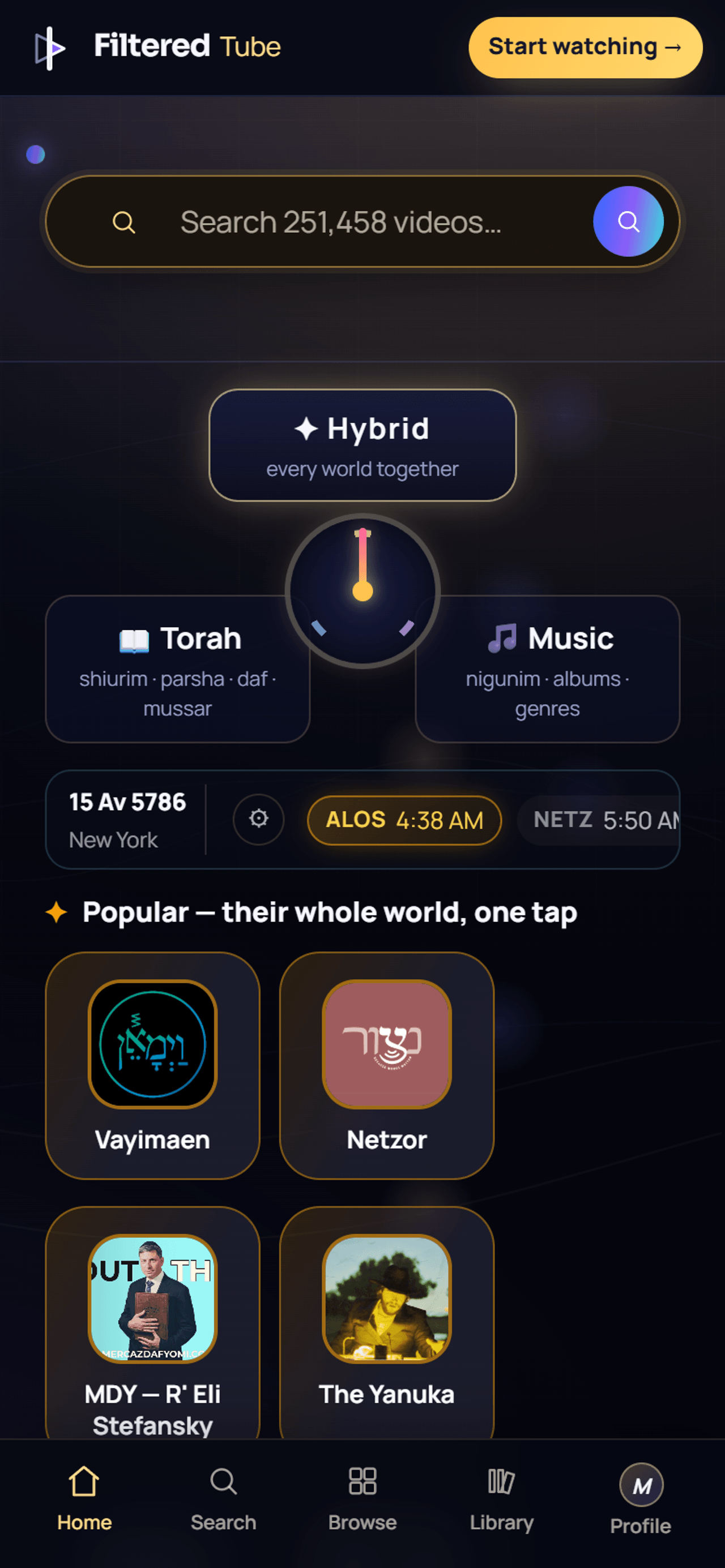
What a whitelist platform removes — and what it keeps
- The open feed — replaced by an approved catalog, organized by speaker, topic, and series.
- Comments and community tabs — gone entirely.
- Autoplay rabbit holes — a video ends; nothing unapproved can follow it.
- Unfiltered search — search returns only what passed review.
- Kept: the content itself — the speakers and artists, the daily learning, the music, the kids’ catalog by age — organized better than the open site ever organized it.
How to choose
If you only need a nudge, Restricted Mode is free and already there. If YouTube must simply not exist on your network, DNS filtering does that. But if the goal is what most families actually mean by filtered YouTube — keep the good, make the bad unreachable, and never rely on an algorithm’s judgment — the whitelist approach is the only family of filtering where the default answer is no until a review says yes.
Frequently asked
What is filtered YouTube?
Filtered YouTube is YouTube's content with a filter deciding what can play. There are two families: blocklist filtering, which starts from the open site and tries to hide the bad (Restricted Mode, parental controls, filter software), and whitelist filtering, which starts from nothing and only shows what was approved first. FilteredTube is the whitelist kind: every video is judged against one written standard before it can appear.
Is FilteredTube a filtered YouTube app?
Yes. FilteredTube is a filtered YouTube platform for Jewish families: a streaming library of 250,000+ approved videos — kosher music, concerts, kids' videos, podcasts, and Torah classes — playable in any browser or as an app, with nothing unapproved able to play.
How is this different from YouTube Restricted Mode or parental controls?
Restricted Mode and parental controls hide some content inside the open feed — but the feed, comments, autoplay, and search remain, and what they miss gets through. Whitelist filtering inverts the default: nothing appears unless it was approved first. The failure mode changes from 'something bad slipped through' to 'something good isn't in yet' — a much safer direction to fail in.
What about YouTube Kids?
YouTube Kids is algorithmically filtered and aimed at young children, and unsuitable material has repeatedly been found inside it because no human approved each video. It also doesn't help for teens or adults. A whitelist platform reviews each video before it can appear, for every age.
Can I get filtered YouTube for free?
You can start watching FilteredTube free today — search the approved catalog and play, no card required. Restricted Mode and DNS filtering are also free, with the blocklist limitations described above.
Does filtered YouTube work for schools and classrooms?
Yes — whitelist filtering is the standard schools actually need, because a teacher cannot preview the open feed's next autoplay. An approved-catalog platform means the projector can never surprise the classroom.
Who decides what is approved on FilteredTube?
Every video is judged against one written standard — the same standard for everyone. Doubt never opens a video: closed stays closed until a review approves it.
Does filtering remove ads and comments too?
On FilteredTube, yes — there are no ads, no comments, no community tabs, and no suggested-video rabbit holes. Blocklist tools generally leave the surrounding site intact.
Platform-specific setup: the filtered YouTube app · filtered YouTube on iPhone · filtered YouTube on Android
Read next: the filtered Torah video app guide · kosher streaming without ads · parents’ digital chinuch